Integrating AppsFlyer for Campaign Optimization: A Complete Guide
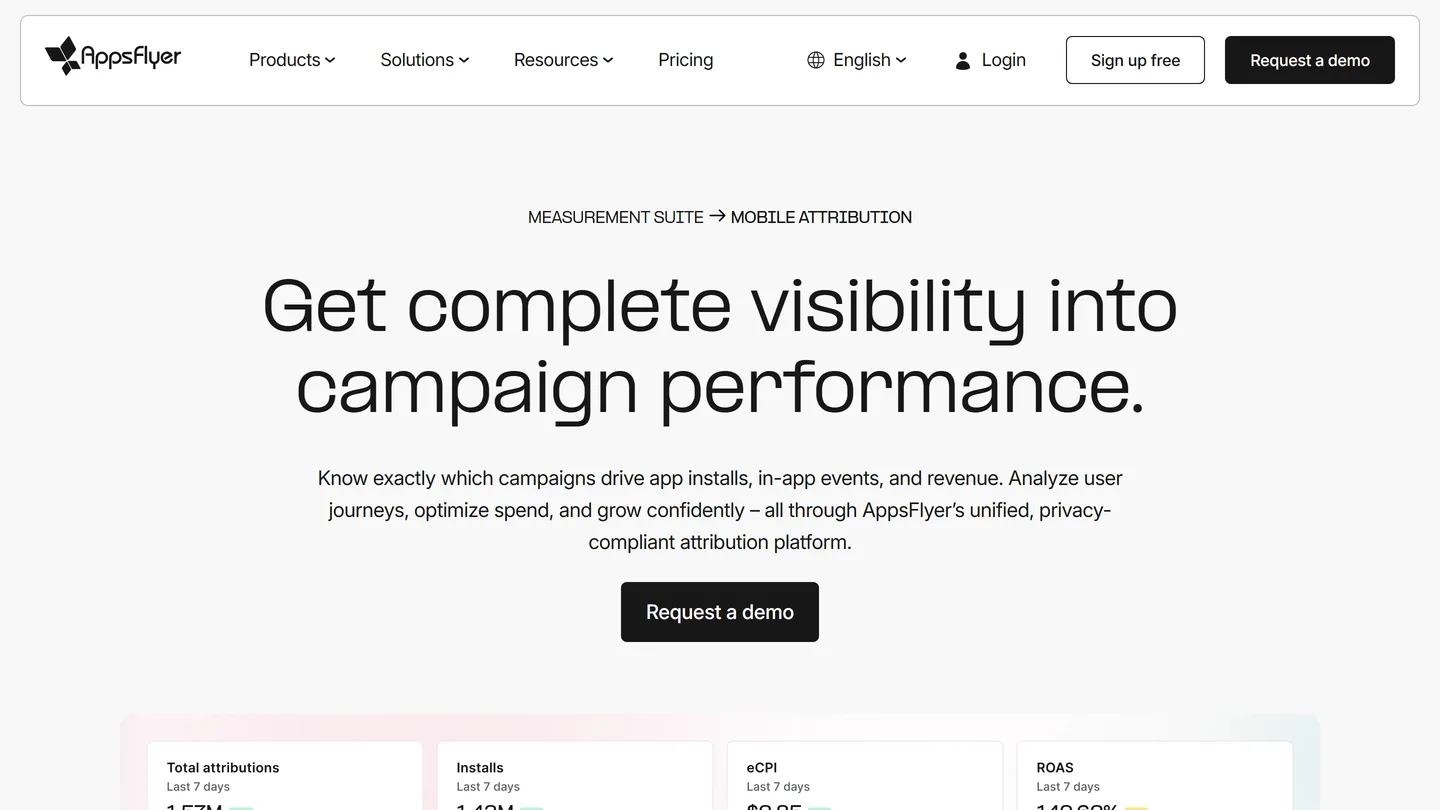
AppsFlyer is a mobile measurement partner (MMP) that attributes installs and in-app events across ad networks, giving you one source of truth for campaign performance. To integrate it, install the AppsFlyer SDK, then activate each ad platform (Meta, Google, Apple Ads, X Ads) in the Partner Marketplace, map your in-app events, and configure attribution windows. Done well, the integration powers accurate ROAS reporting, smarter budget allocation, and fraud protection across every channel you run.
If you run paid user acquisition on more than one network, you need a single source of truth for what each install and event actually costs. AppsFlyer remains one of the most widely used mobile measurement partners in 2026, and integrating it properly with your ad platforms is the difference between guessing and knowing. This guide walks through the setup for Meta Ads, Google Ads, Apple Ads, and X Ads, what AppsFlyer costs today, and how to measure accurately under current privacy rules.
Understanding AppsFlyer: The Basics
By integrating AppsFlyer with your ad platforms, you gain access to:
- Accurate Attribution: Understand where your installs and in-app actions originate across every paid and owned channel.
- In-Depth Analytics: Access cohort, retention, and revenue insights into user behavior and campaign performance.
- Cross-Channel Visibility: Get a deduplicated view of the customer journey so budget decisions rest on one dataset instead of each network grading its own homework.
What AppsFlyer Costs in 2026
AppsFlyer’s pricing as of 2026 runs on a freemium model: the free Zero plan covers core attribution and includes 12,000 free conversions in your first year, the Growth plan bills pay as you go at $0.07 per conversion, and Enterprise packages are custom quoted. For apps spending meaningfully on paid UA, conversion volume rather than the license fee is the real cost driver, so model pricing against your install forecast before committing.
Pre-Integration Checklist
Before starting the integration process, ensure the following prerequisites are met:
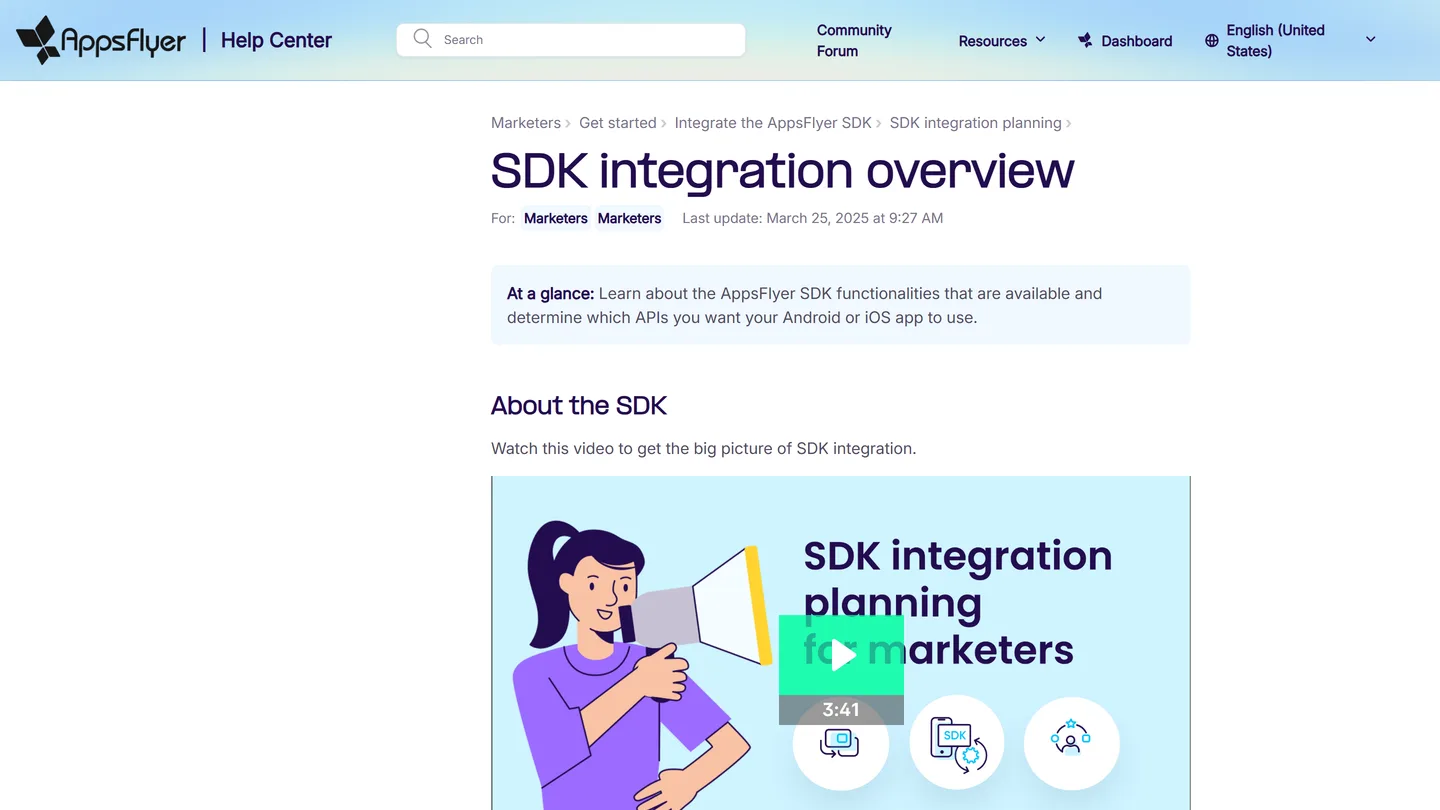
- AppsFlyer SDK Implementation: Your app must have a current AppsFlyer SDK installed on each platform you ship. For the Meta install referrer on Android, that means SDK version 6.12.6 or higher.
- Administrative Access: You need admin access to AppsFlyer and to each ad platform being integrated.
- Active Campaigns: Ensure campaigns are live, or ready to launch, on the platforms you plan to connect.
Integrating AppsFlyer with Ad Platforms
AppsFlyer manages its network connections under Collaborate > Partner Marketplace (the hub formerly listed as Active Integrations). The four setups below are the ones we configure most often for clients.
1. Integrating AppsFlyer with Meta Ads
- Activate the partner: Log in to AppsFlyer, go to Collaborate > Partner Marketplace, search for Meta ads, and set up the integration.
- Add the Install Referrer decryption key: For Android campaigns, copy the Install Referrer decryption key from your app’s page in the Meta developer portal (Settings > Basic) and paste it into the integration settings, per AppsFlyer’s Meta ads setup guide. The Meta install referrer unlocks Meta attribution in raw data reports and requires AppsFlyer Android SDK 6.12.6 or higher.
- Map in-app events: Map in-app events in AppsFlyer to Meta’s corresponding standard events to ensure accurate postback reporting and stronger signal for Meta’s optimization.
Once the integration is live, judge Meta performance from AppsFlyer’s deduplicated analytics rather than Meta’s own reporting alone, then refine targeting, budgets, and creative from that single view.
2. Connecting AppsFlyer to Google Ads
- Create a link ID in Google Ads: In Google Ads, open Tools and settings > Data manager, connect the Third-party app analytics data source, and click Create link ID with AppsFlyer selected as your provider, following Google’s linking guide. Android and iOS versions of the same app need separate link IDs.
- Enter the link ID in AppsFlyer: Go to Collaborate > Partner Marketplace > Google Ads, turn on Activate partner, and add the link ID, per AppsFlyer’s Google Ads setup guide.
- Import conversion events: In Google Ads, set first_open as a conversion event (required for install measurement), add session_start if you run re-engagement, and import each in-app event you want App campaigns to optimize toward.
Once linked, AppsFlyer measures conversions from Google App campaigns (formerly Universal App Campaigns) alongside every other network, which is exactly the comparison you need to catch underperforming spend.
3. Apple Ads Integration (Formerly Apple Search Ads)
Apple renamed Apple Search Ads to Apple Ads in April 2025 and expanded placements across the App Store, including the Today tab, the Search tab, search results, and product pages.
- Activate the partner: Enable Apple Ads under Collaborate > Partner Marketplace and add your Apple Ads API credentials so AppsFlyer can pull campaign structure and cost data.
- Attribution happens on-device: AppsFlyer attributes Apple Ads installs through Apple’s AdServices framework, so keep your SDK current for reliable attribution token handling.
- Optimize by keyword: Use keyword-level performance and cost data in AppsFlyer to adjust bids and cut terms that drive installs but never convert downstream.
4. Integrating AppsFlyer with X Ads (Formerly Twitter Ads)
- Access integration settings: Log in to AppsFlyer, open Collaborate > Partner Marketplace, and select X Ads.
- Authorize AppsFlyer: Use your X Ads account to authorize AppsFlyer and enable the partner integration.
- Configure attribution windows: Set click-through and view-through attribution windows in the integration tab to match your X Ads campaign strategy.
With the connection live, X Ads performance lands in the same dashboards as Meta, Google, and Apple Ads, so you can judge every channel on equal footing.
Measuring Accurately in 2026: SKAdNetwork, AdAttributionKit, and Android
Privacy frameworks now shape what your integration can see, so configure them deliberately:
- iOS: SKAdNetwork and AdAttributionKit, Apple’s successor framework introduced in iOS 17.4 and expanded through iOS 18.4, run side by side in 2026. AppsFlyer manages conversion value mapping and postback decoding for both, so set your conversion schema once and keep it stable long enough to read results.
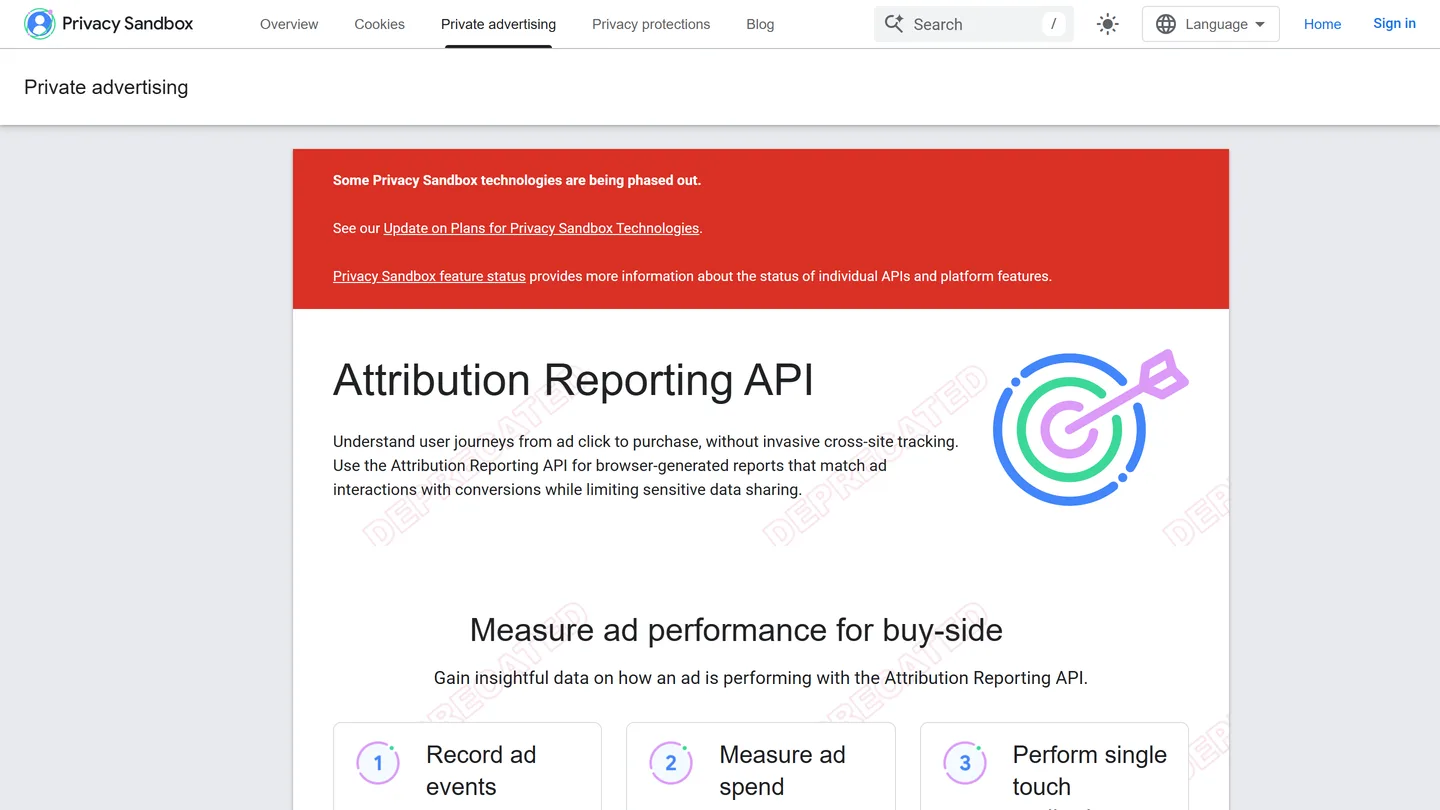
- Android: Google retired its Privacy Sandbox on Android effort in October 2025, so Android measurement continues to rely on the Play Install Referrer and permitted device identifiers. Android reporting is therefore more deterministic than iOS, and cross-OS comparisons need that context.
- Consent handling: Pass App Tracking Transparency status and consent signals through the SDK correctly. Mismatched consent handling is one of the most common causes of underreported campaigns we audit.
Advanced Features of AppsFlyer
Leveraging Multi-Touch Attribution
AppsFlyer’s multi-touch attribution offers a comprehensive view of the customer journey, assigning credit to all touchpoints that lead to a conversion. This feature allows you to:
- Understand how different campaigns and channels contribute to user acquisition.
- Allocate your budget more effectively to the most impactful efforts.
Fraud Prevention
AppsFlyer’s Protect360 suite includes robust fraud detection and prevention tools to:
- Identify and block fraudulent activity, such as click spamming, install hijacking, and bot-driven install fraud.
- Ensure your ad spend goes toward legitimate user acquisition, maximizing ROI.
Best Practices for AppsFlyer Integration
To get the most out of AppsFlyer, follow these best practices:
- Consistent Naming Conventions: Standardize campaign names across platforms for easier data analysis and reporting.
- Validate Before You Scale: Run test installs and confirm postbacks arrive on every network before trusting the numbers with real budget.
- Align Attribution Windows: Know each platform’s window settings and restate them whenever you compare networks; mismatched windows invalidate the comparison.
- Continuous Optimization: Leverage AppsFlyer’s insights to refine targeting, creatives, and campaign strategies for better results.
FAQ
Is AppsFlyer free to use?
Partly. As of 2026, AppsFlyer’s Zero plan is free and includes 12,000 free conversions in your first year, the pay-as-you-go Growth plan bills $0.07 per conversion, and Enterprise pricing is custom. Budget against your expected conversion volume, not the sticker price.
How does AppsFlyer compare to Adjust?
Both are leading MMPs with similar core attribution capabilities. Adjust, now owned by AppLovin, manages partner setup through its Campaign Lab hub and prices differently. We work with both platforms; see our guide to integrating Adjust for campaign optimization if you are comparing options.
Does AppsFlyer support SKAdNetwork and AdAttributionKit?
Yes. AppsFlyer decodes postbacks and manages conversion values for both frameworks, which coexist on iOS in 2026 (AdAttributionKit shipped in iOS 17.4 and expanded through iOS 18.4). You configure one measurement strategy and AppsFlyer handles the framework differences behind the scenes.
How long does an AppsFlyer integration take?
Plan a few days of developer time for SDK installation and event instrumentation, then roughly an hour per ad network for partner activation and event mapping. Validation, meaning test installs and confirmed postbacks, is the step most teams skip and the one we insist on before scaling spend.
Conclusion
Integrating AppsFlyer with ad platforms like Meta Ads, Google Ads, Apple Ads, and X Ads is a critical step toward optimizing your mobile app marketing campaigns. By following the steps in this guide, you can ensure accurate tracking, unlock valuable insights, and improve ROI under 2026’s privacy rules. And if you would rather have a team that does this every week handle it, our paid advertising services cover MMP setup and campaign optimization end to end.
Improve your app with strategic mobile app marketing. Services include the following:
- App Store Optimization services
- User Acquisition services
- User Retention services
- Data Analysis services
Inquire today!